NixOS config using flakes
| .github | ||
| hosts | ||
| modules | ||
| overlays | ||
| packages | ||
| res | ||
| scripts | ||
| secrets | ||
| users | ||
| .gitignore | ||
| flake.lock | ||
| flake.nix | ||
| LICENSE | ||
| README.md | ||
| secrets.nix | ||


flakes
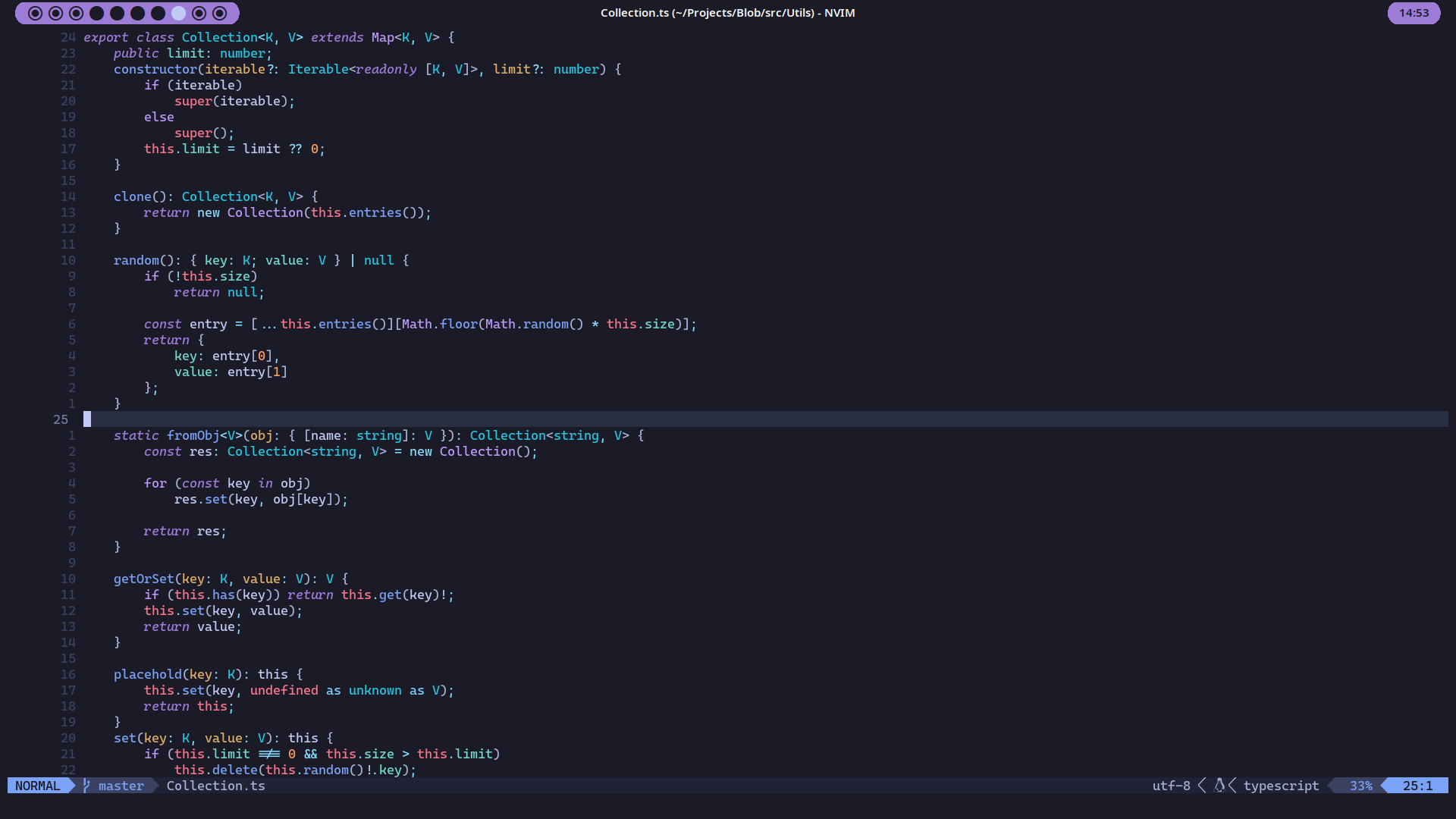
My NixOS config!

Usage
I recommend more that you only simply look at the modules as inspiration for your own config. Some of them may or may not work on your machine if copied directly (but theoretically they should).
But if you insist, just copy-paste one of the hosts in hosts/, one of the users in users/, and modify them
to your liking. Open up flake.nix, add your new host config at the bottom, and then build it!
Hosts
| Name | Description |
|---|---|
| hyacinth | Main Desktop PC |
| anemone | Main Laptop |
| caramel | Raspberry Pi 400, stateless |
| dandelion | ARM OCI VPS, stateless |
Users
| Name | Description |
|---|---|
| rin | Main user for general usage |
| hana | Lightweight user intended for inspecting stateless hosts |
License
Licensed under CC0
Credit is appreciated but not necessary